To learn about accessibility on /e/OS devices, go to Android Accessibility. You may notice the URL contains “Google”: it’s because the Android Open Source Project is documented by them. Rest assured all the accessibility features you’ll find in /e/OS are deGoogled and Open Source.
Update Android accessibility apps: when an update is available for an accessibility app, it’s part of our monthly updates. So make sure to update your device to every new /e/OS version appearing in the Updater.
Live caption
As Android’s native live caption solution is based on a Google solution, we implemented our own solution, based on VOSK. When enabled this solution captures all system audio and display the corresponding text on screen so you can know what the audio/video says.
At the moment it does not work with /e/OS Browser but we’re working on finding a solution. It’s possible it does not work on apps you installed yourself: in this case faites-le nous savoir, and we’ll do our best to solve it.
How to enable it
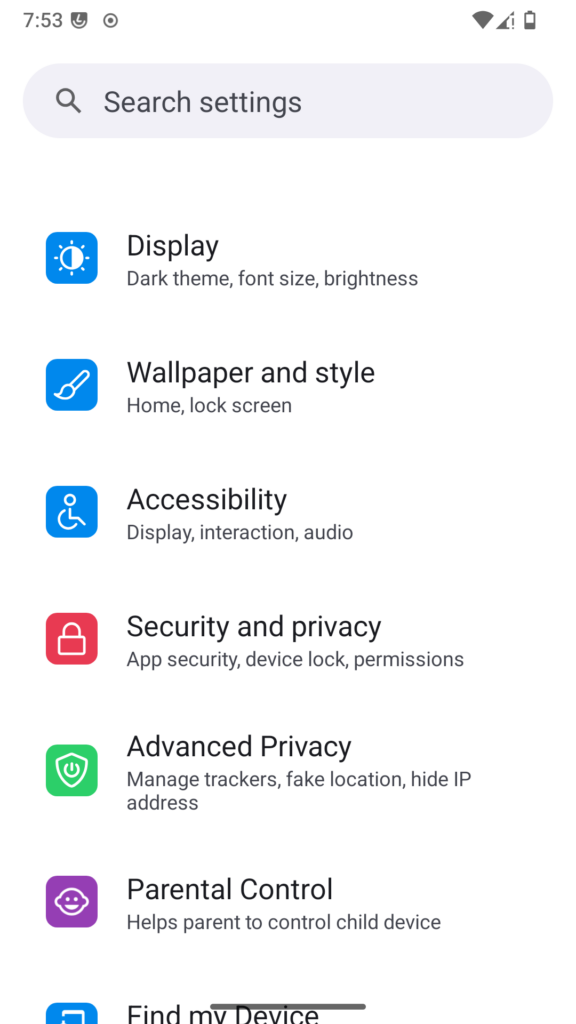
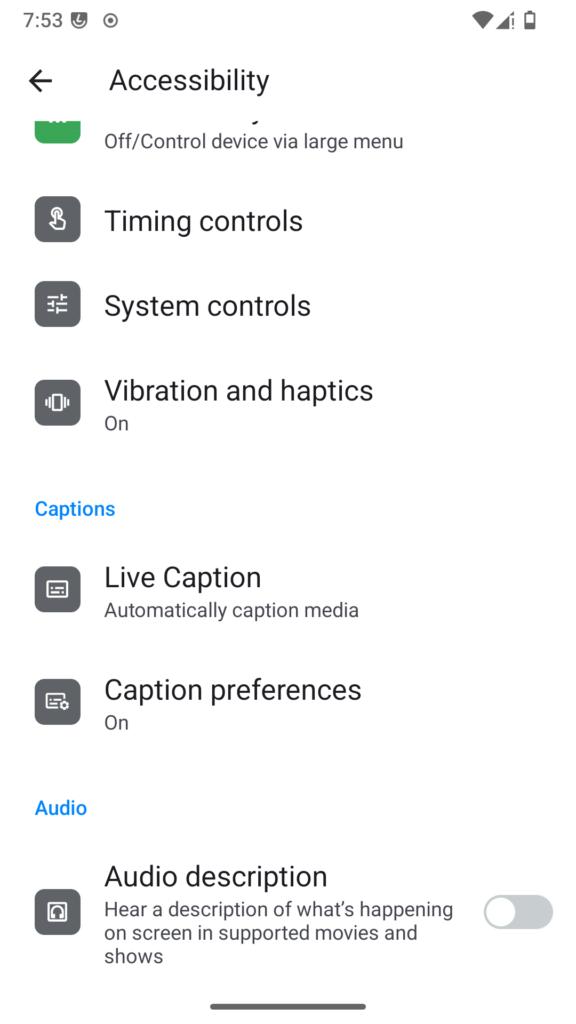
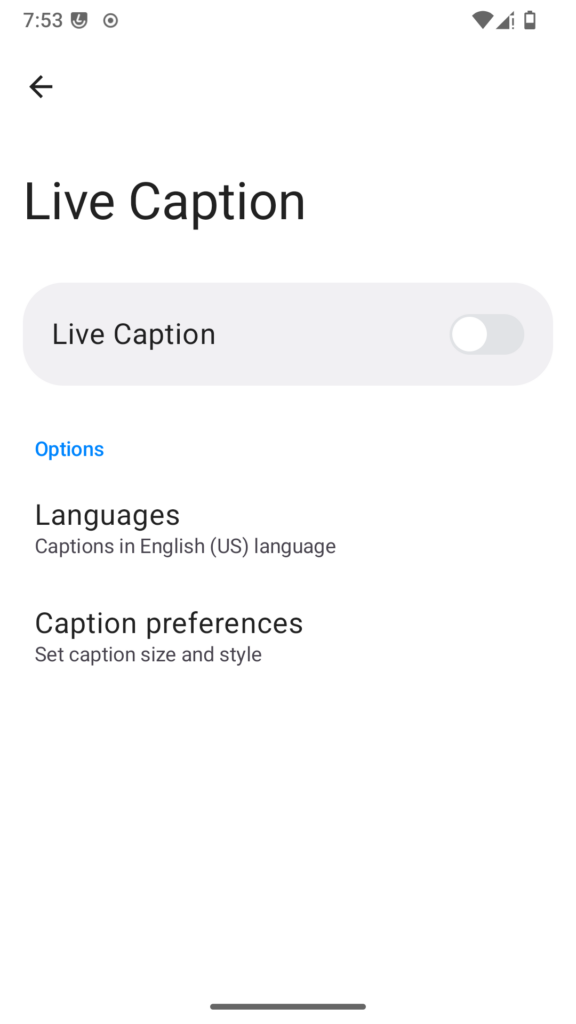
Live caption can be activated by going to your Settings > Accessibility > Live Caption
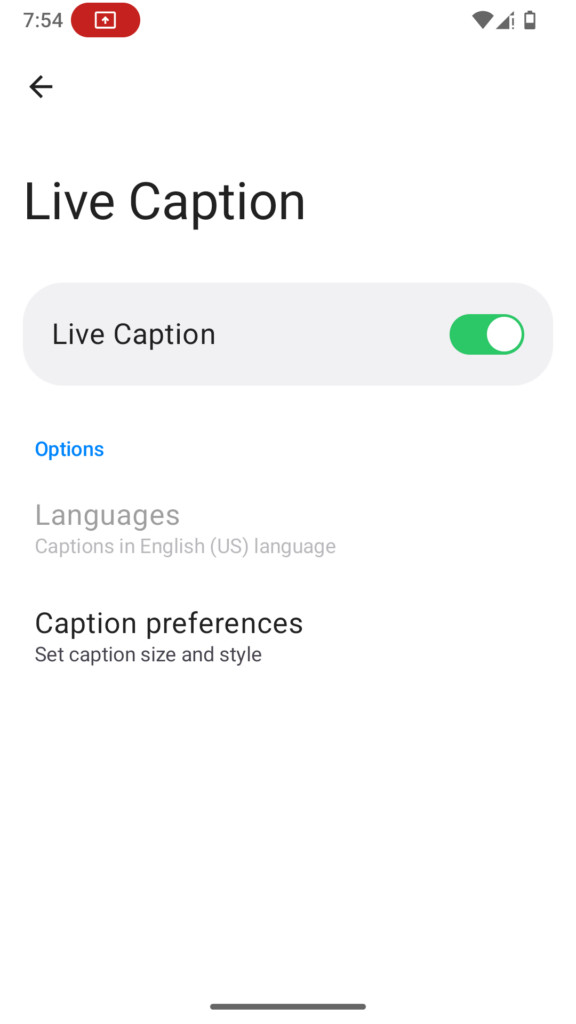
Toggle Live Caption
How to tune the settings
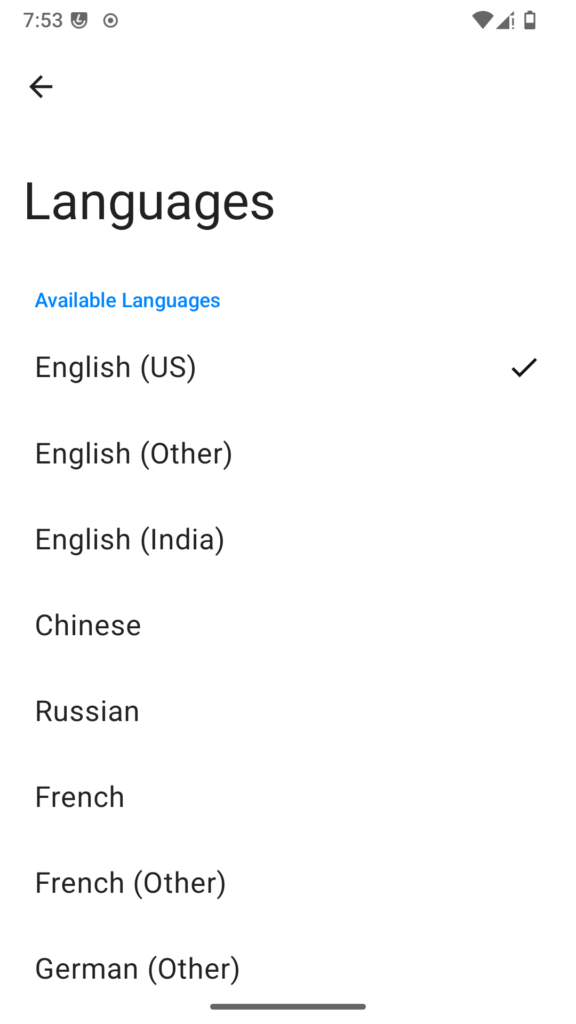
Select a language by going to Settings > Accessibility > Live Caption > Languages. A download notification will appear the first time you select a language.
TipThe language of the Live Caption feature is independent from the System language and is by default set to English (US). To change the language, Live Caption must be off.
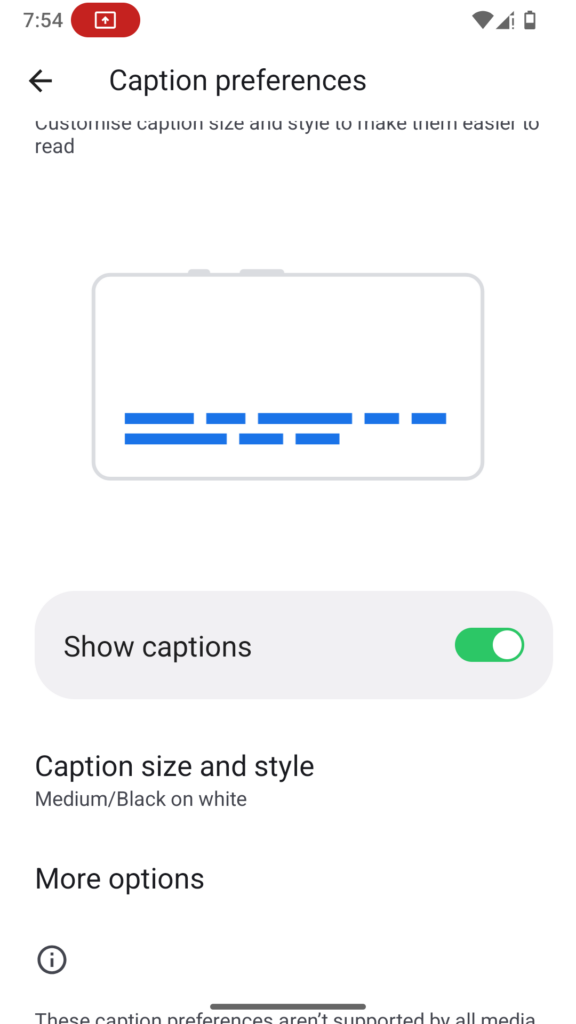
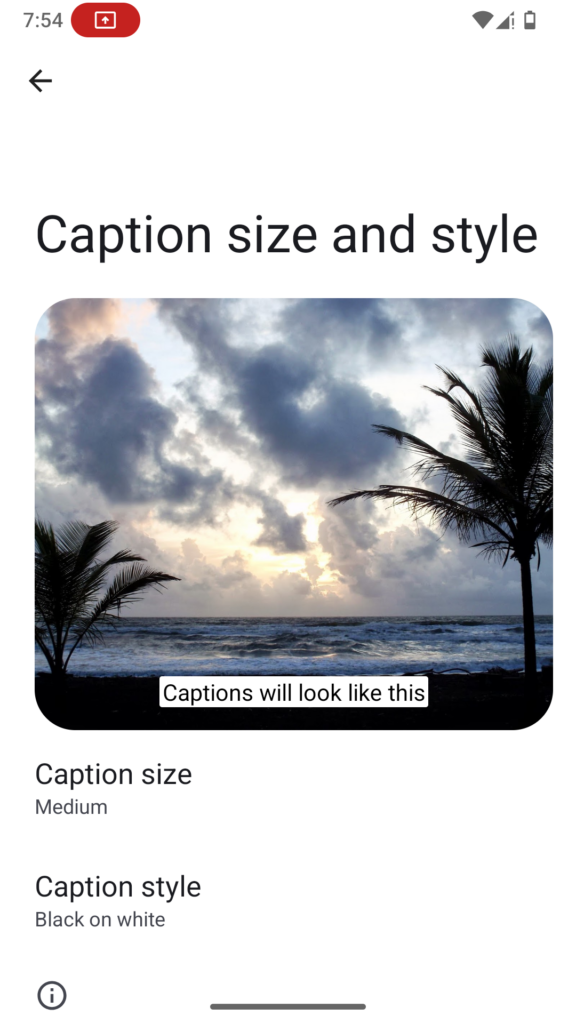
Change caption style and font by going to Settings > Accessibility > Live Caption > Caption preferences ou Settings > Accessibility > Caption preferences